
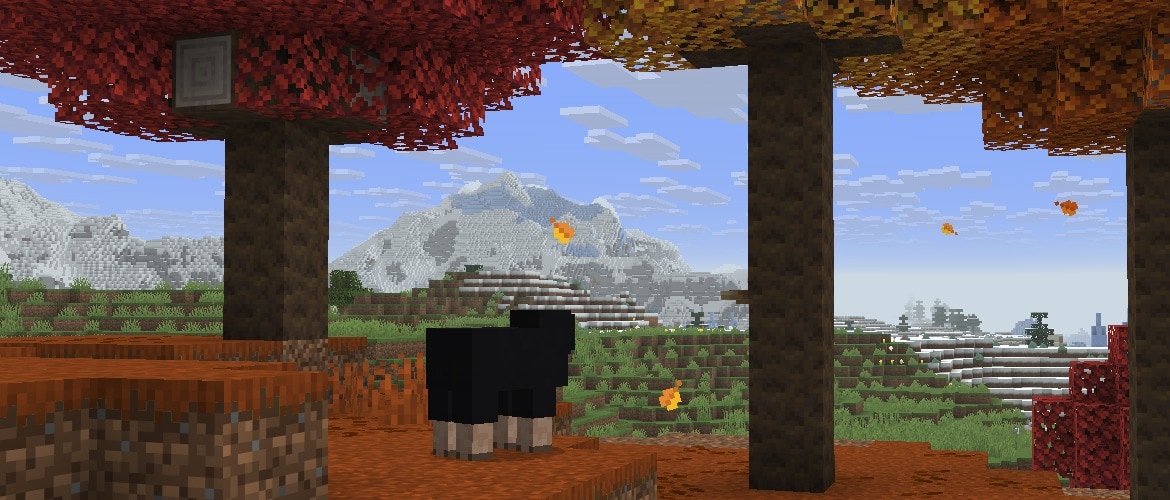

Happy Snapshot day! Today we are shipping the 5th snapshot of 26.3 with a fresh batch of updates and improvements.
Happy mining!
Technical Changes
- The Data Pack version is now 112.0
- The Resource Pack version is now 93.0
Data Pack Version 112.0
- Codec for element lists/tags now allows mixing inline values and references
- For example, item modifiers like [{type:set_count, ...}, "minecraft:some_modifier"] are now allowed
World Generation
Features
Changed minecraft:sculk_patch
- Removed extra_rare_growths and catalyst_chance fields
Resource Pack Version 93.0
Shaders & Post-process Effects
Order-independent Transparency (OIT)-related Shader Changes
- The B3D_IS_ZERO_TO_ONE define has been renamed to RENDERPEARL_IS_ZERO_TO_ONE
Shader Compilation Changes
- Shaders are now compiled by ShaderC when using OpenGL as well, identically to when using Vulkan
- Shader includes are now handled by ShaderC using #include instead of #moj_import
- Shader inputs and outputs must have a location specified in shader source
- Vertex input names must still match expected names.
- Vertex outputs are matched to fragment inputs solely by location, name is now ignored.
- Introduced new define RENDERPEARL_INSTANCE_INDEX_INCLUDES_BASE_INSTANCE - A boolean indicating if gl_InstanceIndex follows Vulkan or OpenGL (gl_InstanceID) semantics
Developer's Note: Vertex inputs in previous versions using OpenGL were not allowed to specify a location. Compatability can be preserved by only specifying locations when the "VULKAN" macro is defined.
Developer's Note: Vertex outputs and fragment inputs in previous versions were matched based on name alone. Compatability can be preserved by continuing to use identical names.
Fixed bugs in 26.3 Snapshot 5
- MC-5269 - Updating a server's address in the multiplayer menu does not update its status
- MC-278771 - The incorrect command context is used when providing suggestions for redirected commands
- MC-293755 - The ender dragon's neck and tail disconnect from its body when it turns
- MC-306628 - TNT minecarts don't delete piercing arrows
- MC-307918 - Sculk patches can cause errors in the log during world generation
- MC-308344 - Validation error when compiling shaders containing in/out array or matrix variables with the Vulkan rendering backend
- MC-308406 - Item models are shown incorrectly in the smithing table menu's armor stand
- MC-308647 - The resource packs screen can cache font glyphs incorrectly after toggling the "Font Settings" option
- MC-309250 - Naturally generated decorated pots don't drop bricks when broken with tools
- MC-309298 - Sending chat messages while having the "Chat Delay" option set to a nonzero value can sometimes kick you from the game
- MC-309500 - Crafting decorated pots without sherds using the recipe book creates a pot that doesn't drop bricks when broken with a tool
- MC-309565 - Block outlines are rendered behind translucent elements if the "High Contrast Block Outlines" option is enabled
- MC-309566 - Block outlines are rendered behind translucent elements if the "Improved Transparency" option is disabled
- MC-309743 - The attacking animation of drowned is incorrect
- MC-310041 - Under specific conditions, chunk loading frequently fails
- MC-310096 - Invalid item modifiers crash the game
- MC-310098 - Trying to mix item modifier references and inline values in a list prevents the pack from loading
- MC-310125 - Blaze powder in brewing stands uses the cooking/speed_default number provider instead of brewing/speed_default
- MC-310133 - Gurgles do not aim their tridents correctly
- MC-310135 - The server crashes when requesting command suggestions for /attribute referenced from /execute
- MC-310149 - Glass flickers when looking at it closely with the Vulkan rendering backend and the "Improved Transparency" option enabled
- MC-310163 - The game crashes when entering exclusive fullscreen on Wayland
Get the Snapshot
Snapshots are available for Minecraft: Java Edition. To install the Snapshot, open up the Minecraft Launcher and enable snapshots in the "Installations" tab.
Testing versions can corrupt your world, so please backup and/or run them in a different folder from your main worlds.
Cross-platform server jar:
Report bugs here:
Want to give feedback?
- For any feedback and suggestions, head over to the Feedback site. If you're feeling chatty, join us over at the official Minecraft Discord.
Share this story