
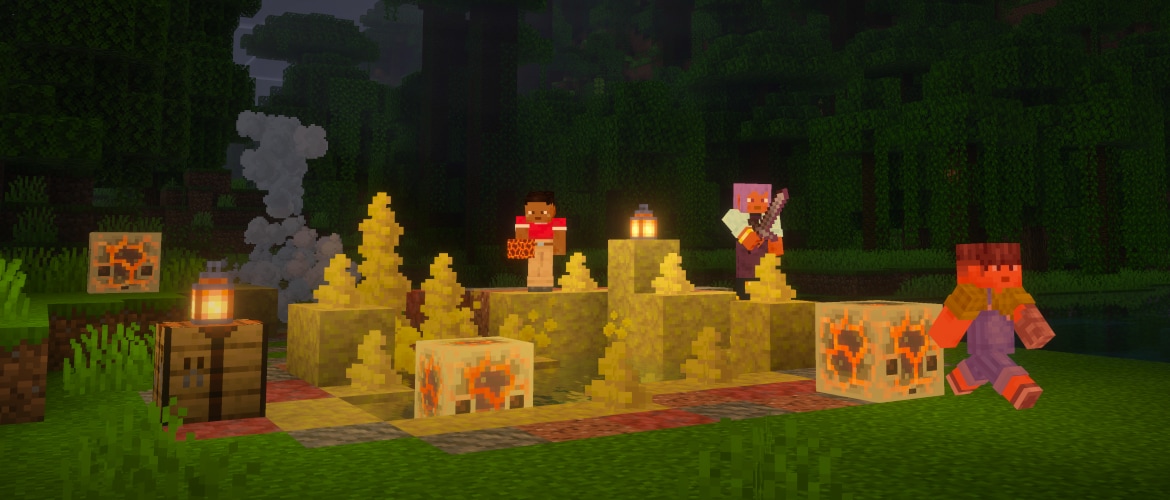
Sometimes, chaos has to end. But this is not one of those times, because we’re adding one last set of Chaos Cubed features to testing! Feed magma blocks to sulfur cubes, experiment with the slow bouncy effect, and bask in the new look of sulfur springs. Out now in Java snapshot and coming very soon to Bedrock beta & preview!
News

- 著者
- Cristina Anderca
- 公開済み
- 2026/05/05
Test the final features from the Chaos Cubed drop
Feed magma to sulfur cubes and more!
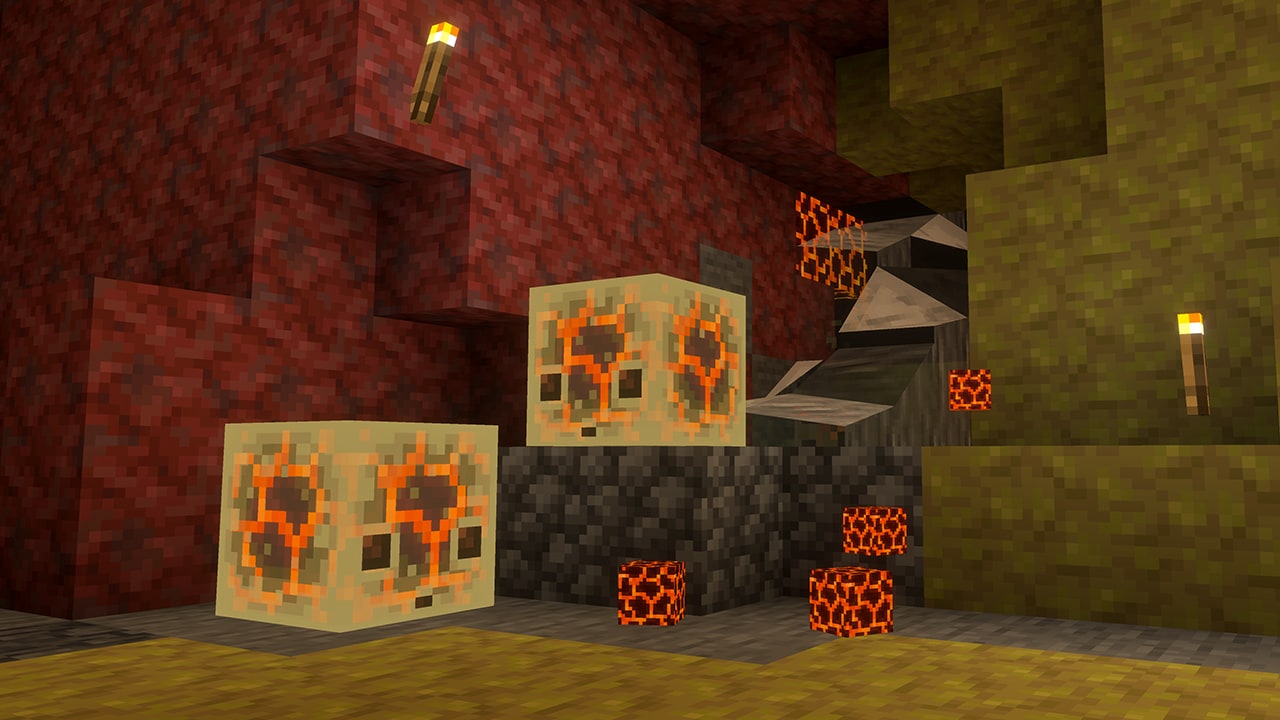
Sulfur cubes have developed an appetite for magma! Reminds me of my ‘put Sriracha on everything’ phase. If you indulge its craving for this sizzling block, the sulfur cube will also become really hot – not enough to catch fire but enough to singe that blocky body of yours. Approach with a healthy dose of caution and curiosity!
Slow bouncy magma cubes
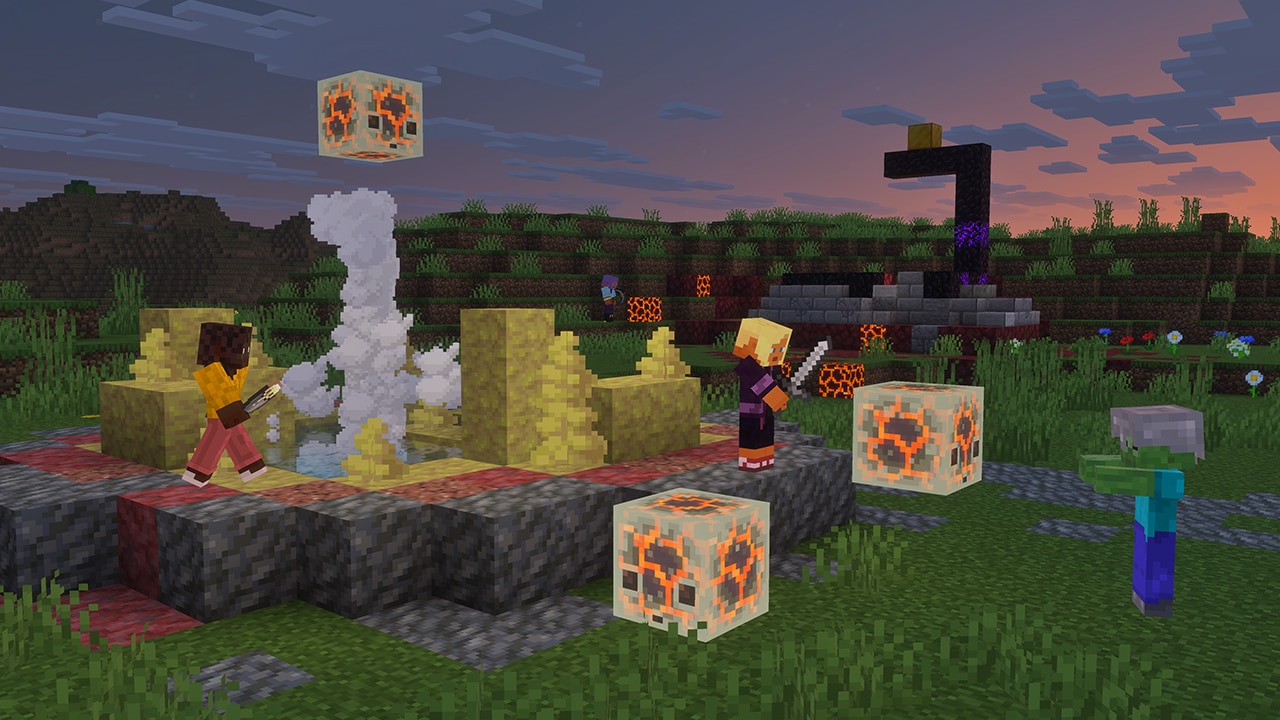
Sulfur cubes are quite unpredictable in their behavior – and now we’re fixing that! *checks notes* Oh wait, we’re actually making them more chaotic?
Sulfur cubes can now gain the slow bouncy property when ingesting a specific block, adding to the list of potential effects you can (accidentally or intentionally) give them. Have fun figuring out which block that is!
New look for sulfur springs
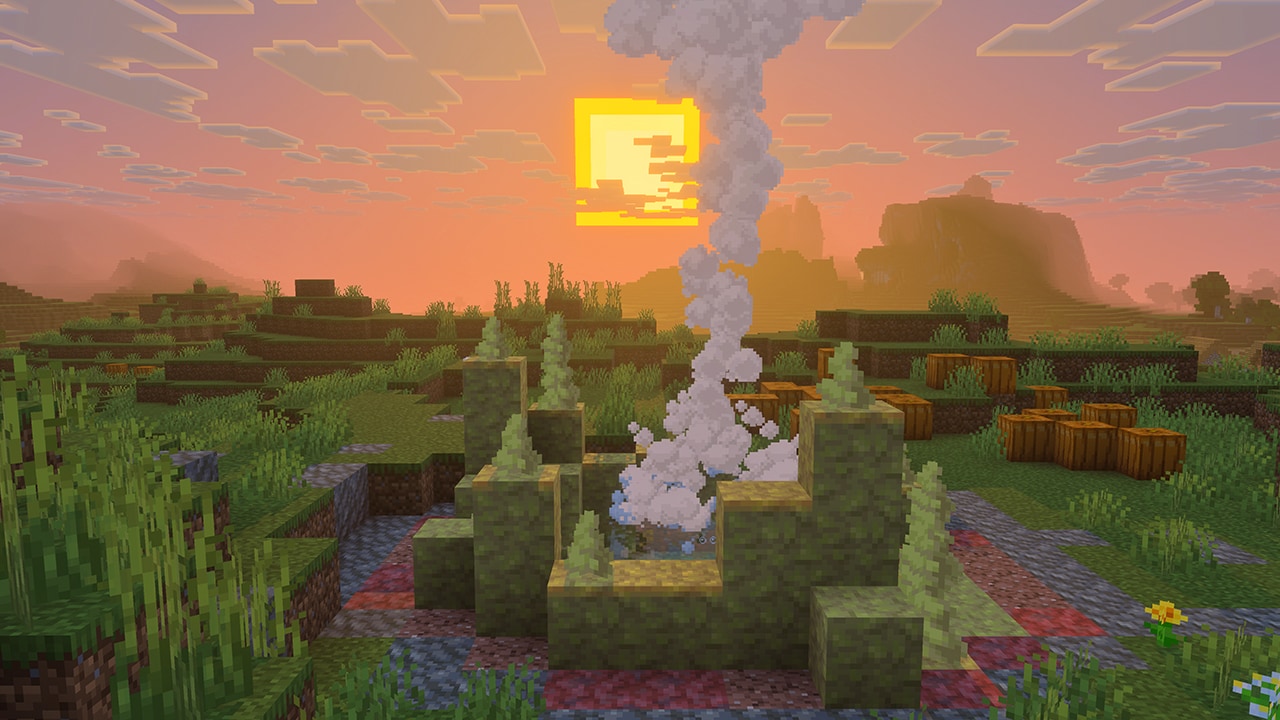
Sulfur springs are now looking better and more sulfurous than ever! And while the new look is objectively better in every way, I couldn’t help but ask: why change them? Our game artist and sulfur spring afficionado Sarah Boeving answered:
![]() Sarah Boeving, game artist
Sarah Boeving, game artistThe initial sulfur springs were made to look more like geyser mounds before we settled on the name "spring."
These new ones are more inspired by pools of water and the sort of gradient that can appear from volcanic/sulfuric formations in real life, like Yellowstone's Grand Prismatic Spring [in the United States]. We also wanted to integrate the new sulfur spikes in the spring.
And there you have it! These are the final Chaos Cubed features coming to testing. But rest assured – the chaos is only beginning. Keep experimenting with sulfur cubes and give us your feedback!
How can I test these features?
You can test these features by enabling snapshots for Minecraft: Java Edition, or by enabling previews/beta* for Minecraft: Bedrock Edition once the features are released. To install a snapshot, open up the Minecraft Launcher and enable snapshots in the "Installations" tab. To turn on an experiment in preview/beta for Minecraft: Bedrock Edition follow these instructions.
Send us your feedback!
These features are all still in development, which means that they might change as we work on them. So then why have we released them into testing? Because we want your feedback! Send us your feedback and report bugs at bugs.mojang.com!
Newest News
Catch up on the latest Minecraft news & game updates!
この記事を共有する