How to submit your entry
To be eligible to win, you must submit your entry via gleam.io. The build submission period runs from May 30, 2026 at 12:00 a.m. PT to Jun 8, 2026 at 11:59 p.m. PT. After this, we’ll go through two internal judging phases, followed by the final voting phase between July 2 and July 5, where the community will have their say on the winner of the build challenge! Keep an eye out for updates on how you can cast your vote. Here’s a breakdown of the winners and prizes for each phase:
- 15 Semifinalists: 2 Movie Tickets per semifinalist
- 3 Finalists: Private Screening (1 per finalist)
- 1 Winner: Build included in the movie or end credits
All semifinalists will receive 2 movie tickets, and all finalists will receive a private screening in addition to the movie tickets. The winner will receive 2 movie tickets, a private screening, and their build appearing in the movie or end credits.
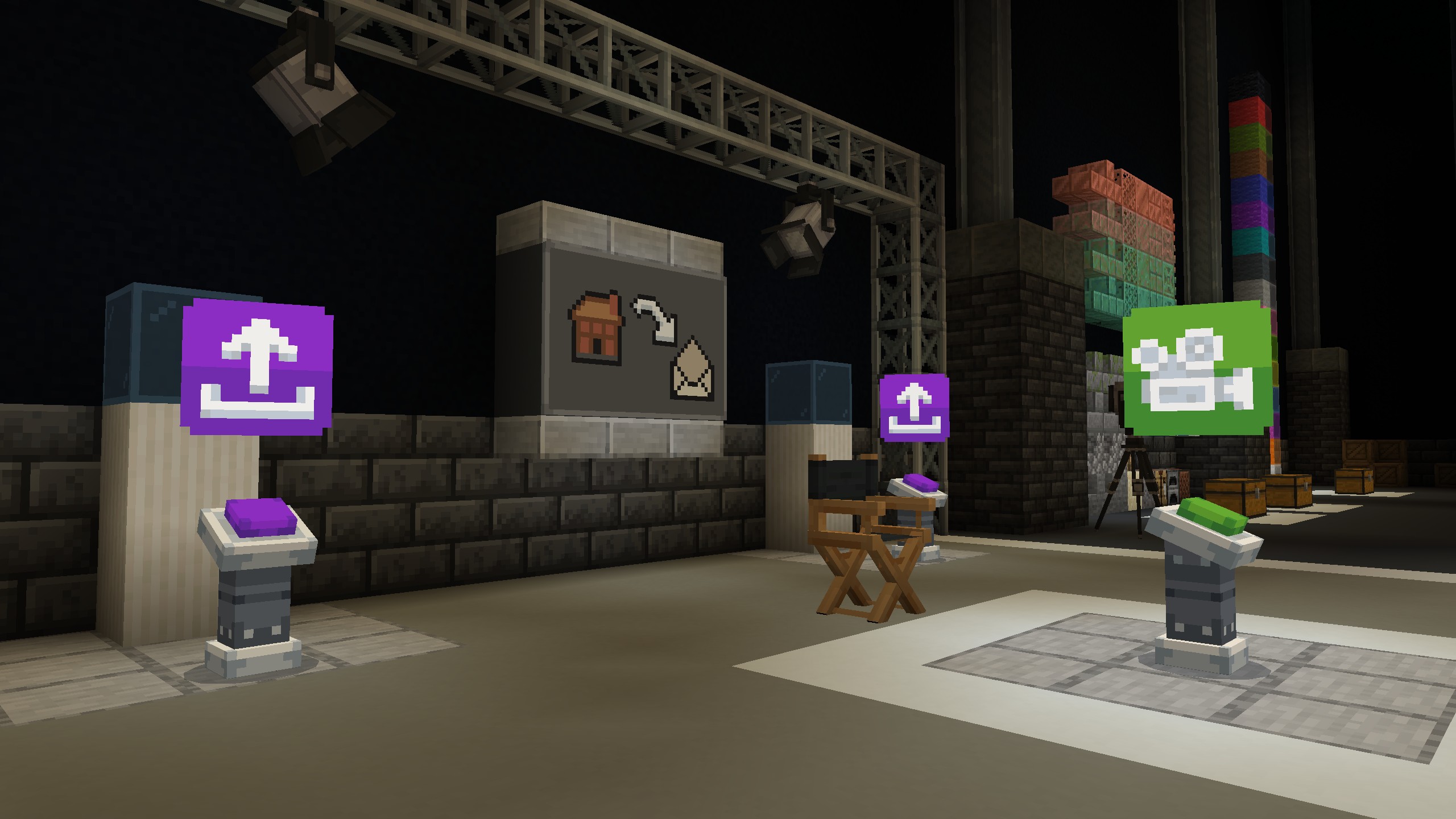
For your submission, you will need to record a video of your build and take a front-facing screenshot as well. The video needs to be between 15 and 30 seconds long and feature a 360-degree view of your build. The image needs to capture the front of your build in a clear way. Once captured, upload your video as unlisted to YouTube, then head on to gleam.io. There, you need to provide: the name of your build, a brief description (2-3 sentences), a link to your video, and the image of your build. Once you’ve submitted all this, you’re in the running! Make sure to make it count because you only get one entry. And once you’ve submitted your build, make sure to check your email in case your build gets selected as a semifinalist!
Detailed submission requirements
1. Capture a short video of your Build that meets the following requirements:
Lighting & Visibility:
- Daylight or neutral lighting conditions only.
- It can have lighting, but it will not be shown at night.
- No dramatic shadowing or cinematic effects.
- Your video must include a 360 degree view of your Build.
Screenshot & Camera Guidance:
- No player characters visible.
- Front view should present the build clearly and unobstructed as the primary evaluation angle.
Other Requirements:
- Your video must be no shorter than fifteen (15) seconds, and no longer than thirty (30) seconds.
- Do not include additional audio not found in-game.
- Neither you nor any other individual may appear in your video.
2. Capture a still image of the front-facing side of your build that meets the following requirements:
Lighting & Visibility:
- Daylight or neutral lighting conditions only.
- It can have lighting, but it will not be shown at night.
- No dramatic shadowing or cinematic effects.
- Build must be clearly visible from a primary front-facing viewpoint.
Screenshot & Camera Guidance:
- No player characters visible.
- Front view should present the Build clearly and unobstructed as the primary evaluation angle.
Finally, if you want to show off your build and celebrate your creativity with the community, post it online using #MinecraftMovieContest!
Happy building and good luck!
*Open only to persons 16+. Minecraft: Bedrock Edition required (sold separately). Contest ends 7/6/2026. Warner Bros. shall determine the placement of the Build within the Movie (which placement may be in the end credits). Terms apply, see Official Rules at aka.ms/moviebuild. Sponsor: Microsoft Corporation.
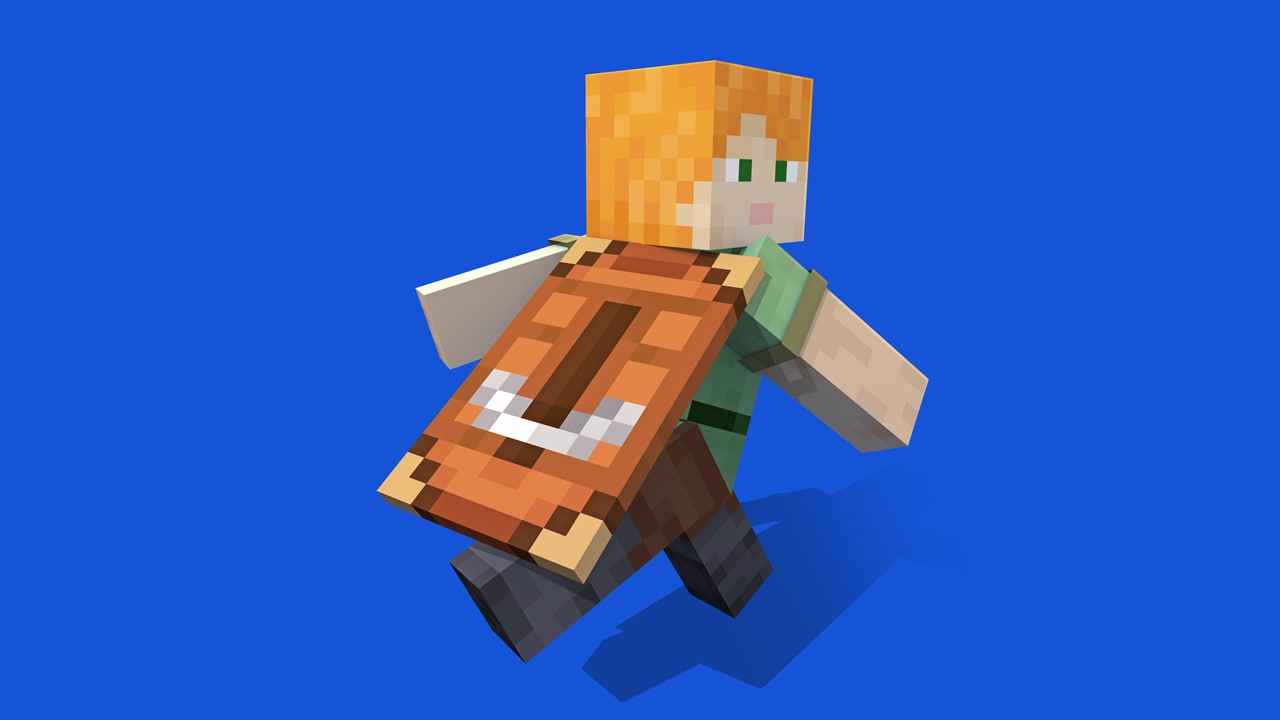
** Requires Minecraft: Bedrock Edition (sold separately), a valid Microsoft account, internet access (ISP fees may apply) , and completion of the applicable watching challenge on Twitch or TikTok as described in this blog article. Limit one (1) cape per person/Microsoft account, which will be applied to your Bedrock and Java (if applicable) account within 30 days after the promotion ends. Capes are non-transferable, non-refundable, and cannot be redeemed for cash. This offer cannot be combined with any other offer except the build challenge contest. Geography limitations, country and balance restrictions, taxes, and Internet connection fees may apply. Microsoft Services Agreement (aka.ms/MSA) applies. Microsoft reserves the right to modify, suspend, or terminate this promotion at any time. Microsoft may, freely and without liability, remove capes redeemed, suspend or ban accounts, and take other disciplinary or corrective action if Microsoft suspects or believes your account is engaged in fraudulent or abusive activity. Microsoft is not responsible for a partner platform’s administration of the cape challenges.


이 이야기 공유하기