
Great news for Java Realms hosts! Two new features are out now in Java snapshot that make hosting your realm more convenient – and customizable. We’re adding a new way to invite members to your realm and increasing the render limit on Java Realms. Read on for the lowdown!
News

- Écrit par
- Staff
- Publié
- 2026-09-02
New Realms features in Java snapshot
Invite codes and adjustable render distance!
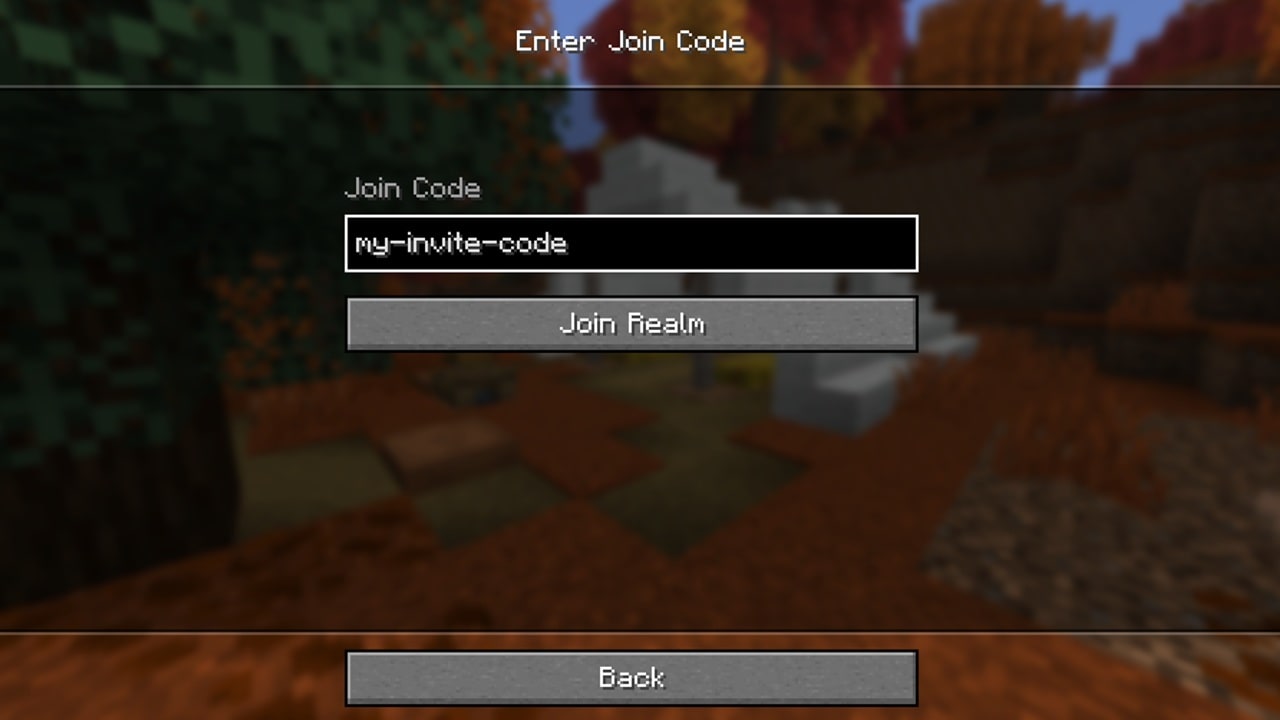
To make it easier to bring people to your realm, we’ve introduced invite codes in Java snapshot. As a realm owner, you can now create and manage up to five invite codes at a time that you can distribute as you wish. Players who use your code will automatically be added as realm members – all they have to do is enter the invite code in the Join Realm screen. No longer need the code? You can delete it at any time, or you can set an expiration date when you create it in the first place. Once a code is deleted, the members that joined via that code will remain on your realm; you’ll need to remove them manually if you want to do so.
Adjustable render and simulation distance
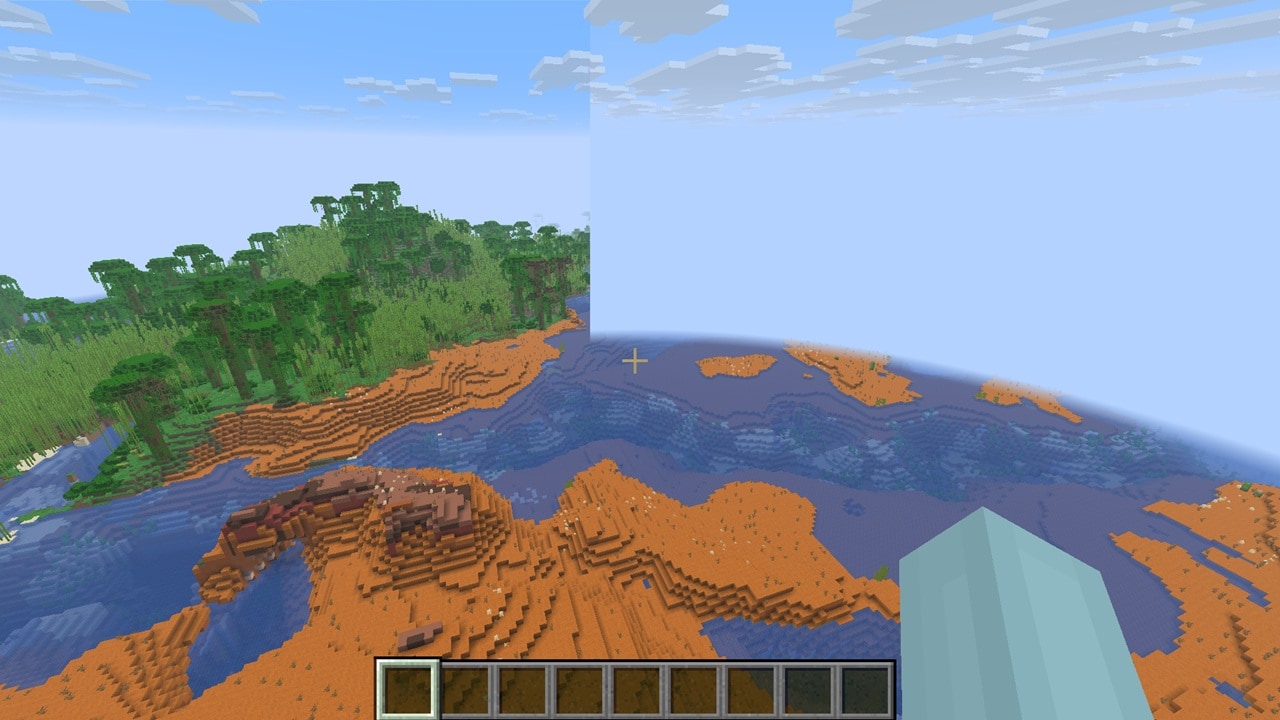
Also in Java testing, we raised the upper limit for render distance on realms from 12 chunks to a whopping 25 chunks! Plus, you’ll now have separate sliders for render and simulation distance, so you can fine-tune the settings to your preferences and/or hardware limitations. Now you and your friends can enjoy better views and see those creepers coming from many chunks away!
Realms introduction screen
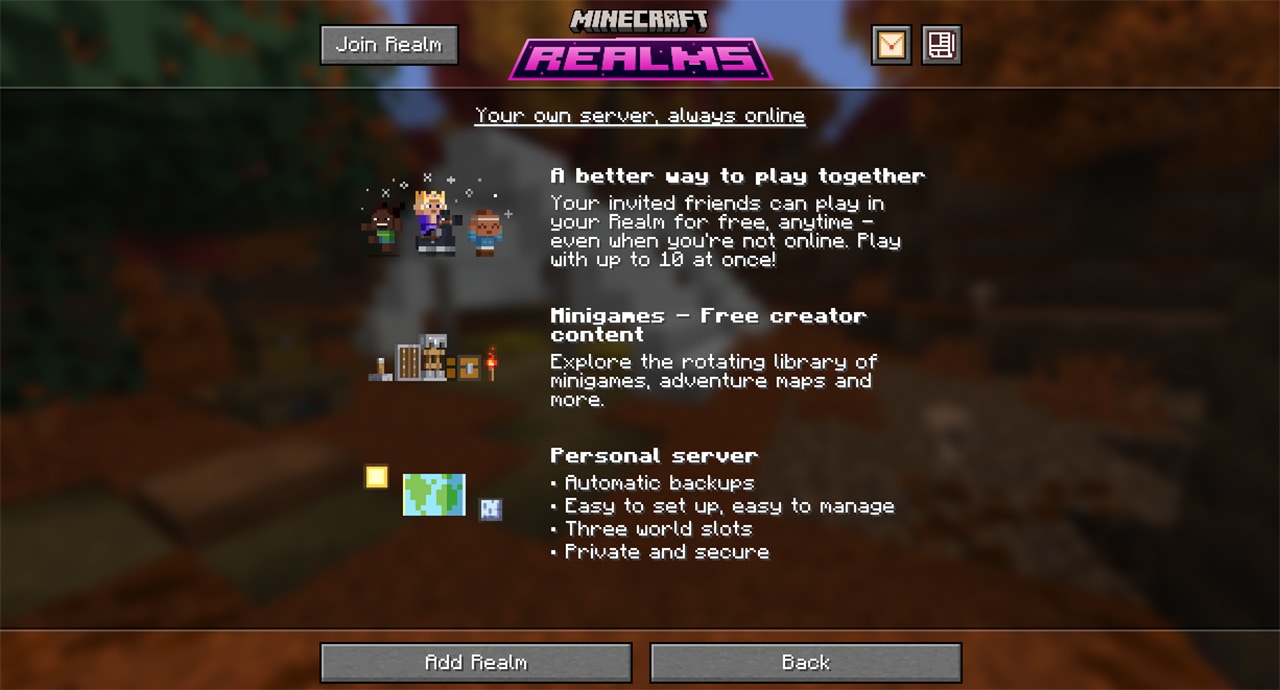
Now, when you tap the “Add Realm" button, you’ll see a piece of charming pixel art that helps explain clearly the features and benefits of Realms.
How to install snapshots
To install a snapshot, open the Minecraft Launcher and enable snapshots in the "Installations" tab.
We want your feedback
We’re still working on these features, which means they might change as we adjust them based on player feedback. Do you have thoughts on how we can improve these features? We want to read them! Submit them at our feedback site.
Newest News
Catch up on the latest Minecraft news & game updates!
Partagez cette histoire